> ## Documentation Index
> Fetch the complete documentation index at: https://docs.arcuserp.com/llms.txt
> Use this file to discover all available pages before exploring further.
# Marketplace Sync Console
> Filter outbound marketplace fulfillment updates, understand synced, pending, skipped, partial, and failed results, and retry safe incomplete pushes.
Use **Integrations > Marketplace Sync Console** when a fulfilled package did not update Shopify, Amazon, or eBay as expected.
You need **settings.view** to open the console.
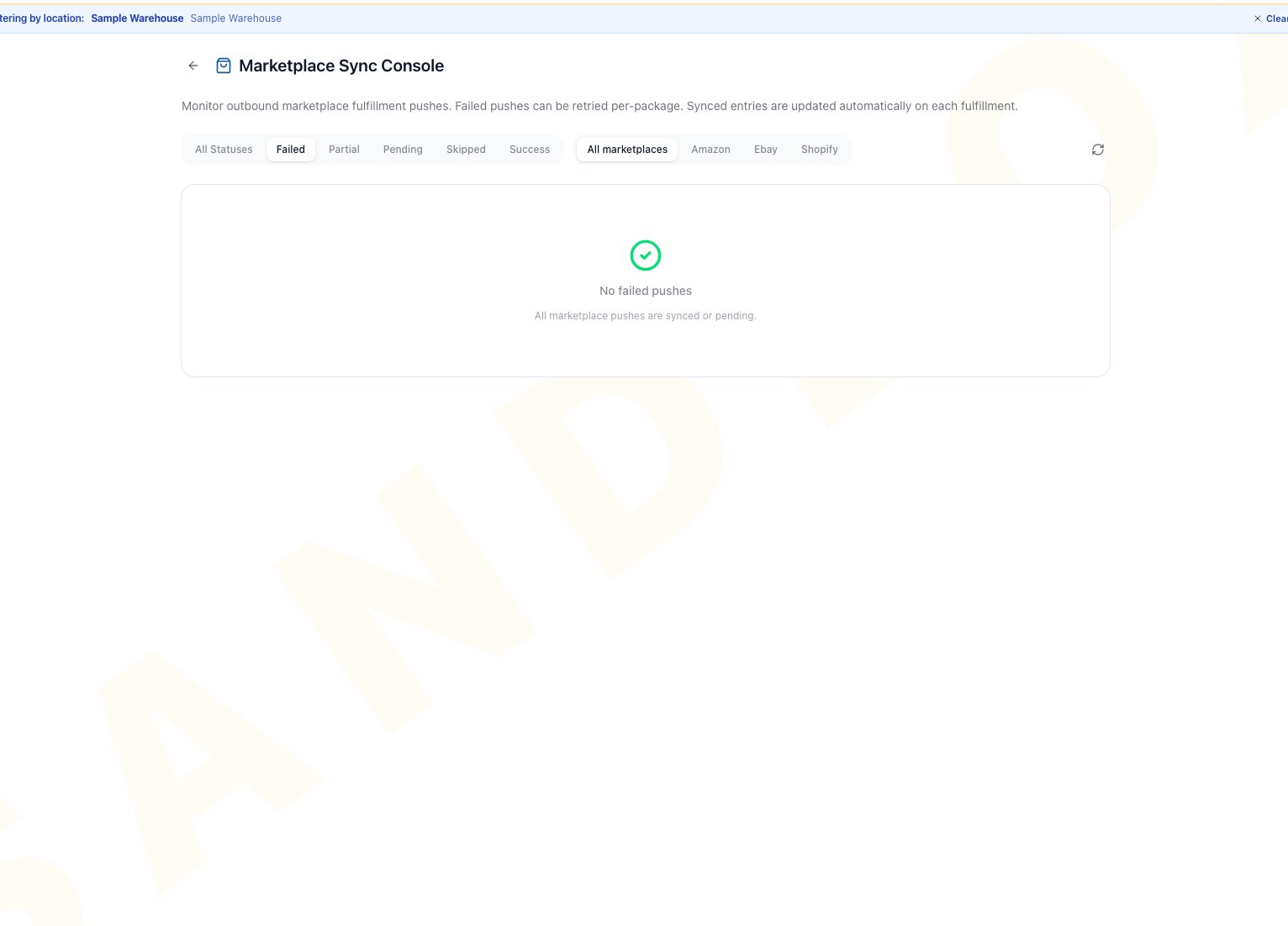
The console has status and marketplace filters only. It does not include text search or expandable row details. Each package and marketplace result appears as one flat table row.
 ## Review Marketplace Results
1. Open **Integrations**, then **Marketplace Sync Console**.
2. Filter by marketplace and status. These are the only available filters.
3. Locate the affected order in the table, then review its marketplace, status, last-attempt time, and tracking value.
4. Read the **Error** column. Hover over truncated text to see the full stored message.
5. Correct the source problem before retrying.
6. Select **Retry** only for a failed or partial marketplace entry that is ready to send again.
## Statuses
| Status | Meaning | Next step |
| ------- | -------------------------------------------------------------------------------------------- | ------------------------------------------------------------------------------------------------------ |
| Synced | The marketplace accepted the update. | No action unless the external order still looks stale. |
| Pending | A retry started, but no terminal result is currently recorded. | Wait for the current request to finish, then refresh. Retry is not available while the row is Pending. |
| Skipped | Arcus did not send this package result. The **Error** column contains the stored reason. | Review the reason. Retry is not available for Skipped rows. |
| Partial | Some fulfillment locations for this package's Shopify push succeeded and one or more failed. | Correct the cause shown in **Error**, then use **Retry** for the Partial row. |
| Failed | The marketplace rejected the update or the connection failed. | Correct the visible cause, then retry once. |
The **Error** column shows the stored backend message verbatim, up to 500 characters. It can include provider or internal wording and is not guaranteed to be customer-safe. Review and redact it before sharing it outside your team.
## Common Scenarios
* **Retry remains failed**: check connector authorization, mode, external order state, carrier and tracking data, and mappings. Then contact an admin with the order reference and timestamp, never a secret.
* **No rows match**: switch both filters to **All**. The console includes only packages with a recorded marketplace sync status and returns the 200 most recently updated matching packages.
* **Different marketplaces show different statuses**: each marketplace result is its own flat row. A Failed row is not Partial merely because another marketplace row is Synced. Investigate and retry only the Failed or Partial row.
* **Skipped result**: do not force a retry until the reason is corrected or staff confirm the skip is expected.
* **Connector is disconnected**: reconnect and test it before retrying package updates.
## Related Articles
Configure Shopify, Amazon, and eBay behavior.
Recover authorization, mode, mapping, and sync failures.
Review health, test, reconnect, and disconnect actions.
Resolve product and listing mapping issues.
## Review Marketplace Results
1. Open **Integrations**, then **Marketplace Sync Console**.
2. Filter by marketplace and status. These are the only available filters.
3. Locate the affected order in the table, then review its marketplace, status, last-attempt time, and tracking value.
4. Read the **Error** column. Hover over truncated text to see the full stored message.
5. Correct the source problem before retrying.
6. Select **Retry** only for a failed or partial marketplace entry that is ready to send again.
## Statuses
| Status | Meaning | Next step |
| ------- | -------------------------------------------------------------------------------------------- | ------------------------------------------------------------------------------------------------------ |
| Synced | The marketplace accepted the update. | No action unless the external order still looks stale. |
| Pending | A retry started, but no terminal result is currently recorded. | Wait for the current request to finish, then refresh. Retry is not available while the row is Pending. |
| Skipped | Arcus did not send this package result. The **Error** column contains the stored reason. | Review the reason. Retry is not available for Skipped rows. |
| Partial | Some fulfillment locations for this package's Shopify push succeeded and one or more failed. | Correct the cause shown in **Error**, then use **Retry** for the Partial row. |
| Failed | The marketplace rejected the update or the connection failed. | Correct the visible cause, then retry once. |
The **Error** column shows the stored backend message verbatim, up to 500 characters. It can include provider or internal wording and is not guaranteed to be customer-safe. Review and redact it before sharing it outside your team.
## Common Scenarios
* **Retry remains failed**: check connector authorization, mode, external order state, carrier and tracking data, and mappings. Then contact an admin with the order reference and timestamp, never a secret.
* **No rows match**: switch both filters to **All**. The console includes only packages with a recorded marketplace sync status and returns the 200 most recently updated matching packages.
* **Different marketplaces show different statuses**: each marketplace result is its own flat row. A Failed row is not Partial merely because another marketplace row is Synced. Investigate and retry only the Failed or Partial row.
* **Skipped result**: do not force a retry until the reason is corrected or staff confirm the skip is expected.
* **Connector is disconnected**: reconnect and test it before retrying package updates.
## Related Articles
Configure Shopify, Amazon, and eBay behavior.
Recover authorization, mode, mapping, and sync failures.
Review health, test, reconnect, and disconnect actions.
Resolve product and listing mapping issues.